

Now to set up a car package in here, we must have a reference photo to use. You should already have a direct orthogphic side, top, front, and rear view of the package of your choosing saved as a jpeg on your computer.
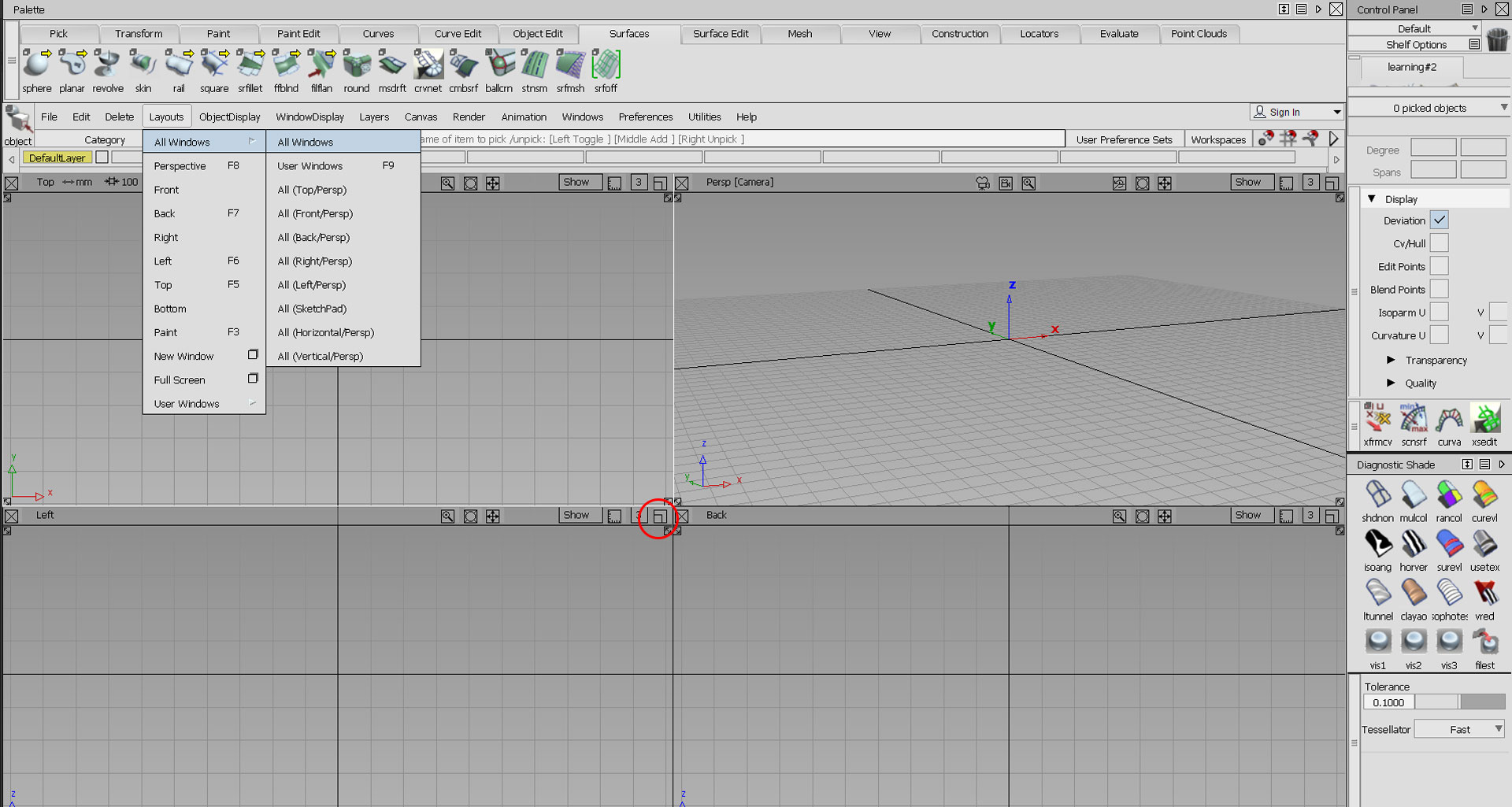
But first, go to “Layouts” > “All Windows” to have all views available on your screen. Then click the button I have circled in red to expand the left canvas temporarily.
Although you will be using the modeling workflow, you can go ahead and click the default usage. (same as modeling)